
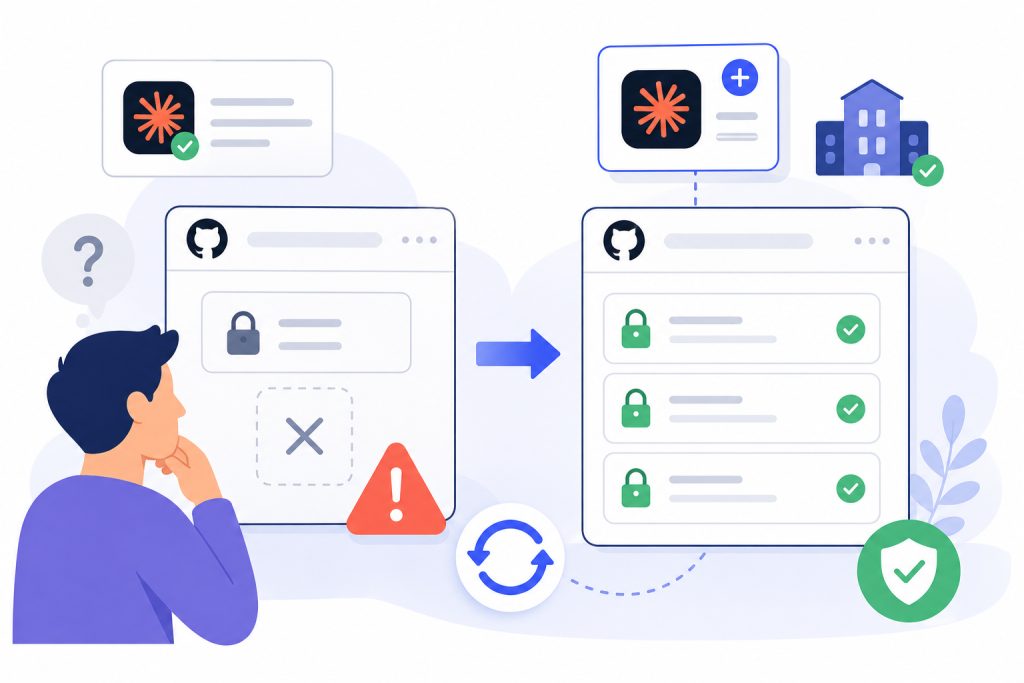
After connecting the remote GitHub MCP connector to Claude.ai, it could see exactly one repo in my org — the only public one. Every private repo 404’d.
Symptom
POST https://api.github.com/repos/acme-labs/widget-core/issues: 404 Not Found
The repo exists and I own the org. GitHub returns 404 rather than 403 for resources your token can’t see, so “not found” here means “not permitted.”
Confirm it by asking what the token can see at all:
org:acme-labs            → 1 repository
org:acme-labs is:private → 0 repositories
Public-only visibility means the app has no installation — it’s falling back to what any signed-in stranger sees.
Cause
GitHub Apps have two separate grants. Clicking Connect in Claude.ai only does the first:
- Authorization — establishes who you are (verify your identity, act on your behalf). No repository picker appears on that screen, because it doesn’t grant repo access.
- Installation — where you choose an org and select repositories. This is what actually grants access.
Fix
- Go to github.com/apps/claude-github-mcp-connector.
- Install it on your organization, not your personal account.
- Choose All repositories or select the ones you need.
- Back in Claude.ai, disconnect and reconnect the GitHub connector.
Step 4 matters: a token issued before the installation existed won’t pick it up.
Two gotchas
Check the app name exactly. If your org already has an app called Claude installed, that’s the Claude Code integration — a different app, kept separate by design. Having it doesn’t help here.
Don’t edit the OAuth URL. The consent screen authorizes your personal account with no org option, which looks wrong but isn’t. The URL’s state and code_challenge are single-use and validated on return, and no parameter in that flow grants org access.